1.0 Introduction
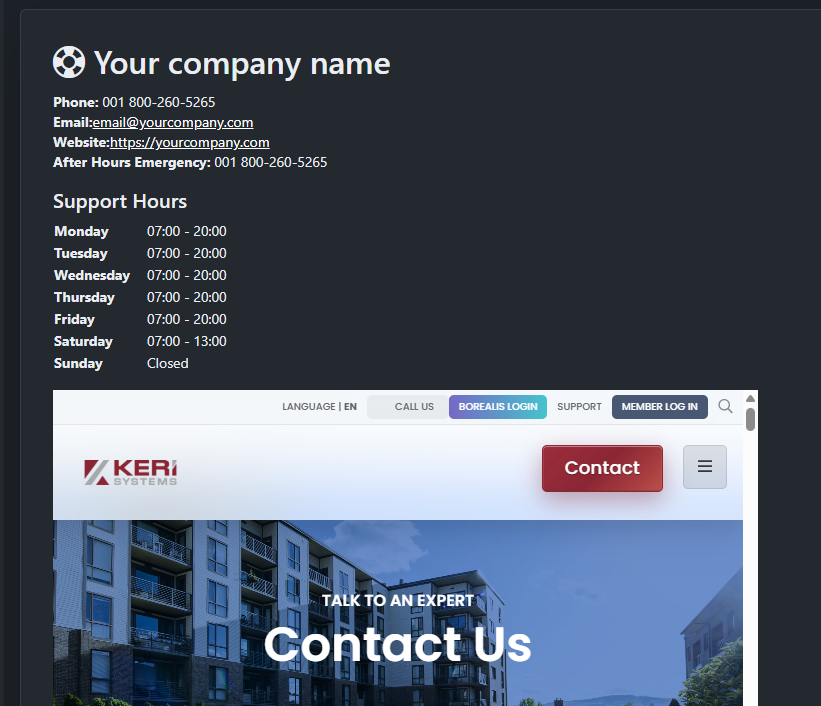
Borealis gives the Organization Owner the option to create a support page that end users can use to contact them. The support page can then be assigned to all Systems added to the Organization, or assigned to individual Systems.
The support page will then be accessible via a new menu item, named Dealer Support:
2.0 Create a New System Support Page
- Log into Borealis with the Organization Owner email address and password.
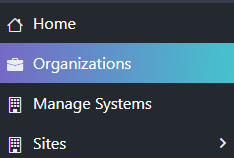
- Click the Organizations menu item.
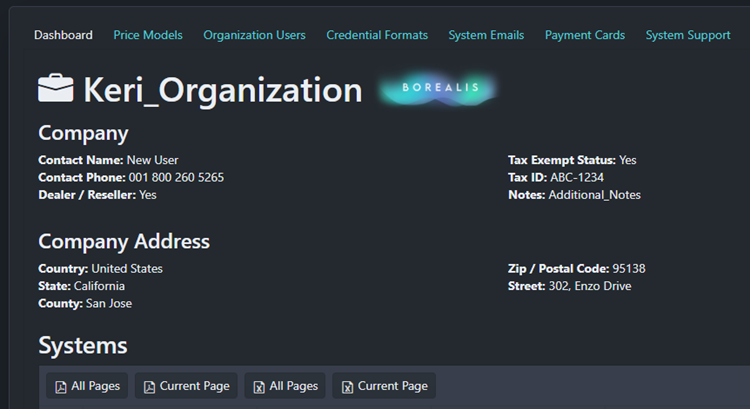
- Click on the Organization name, and the Organization details will be displayed.
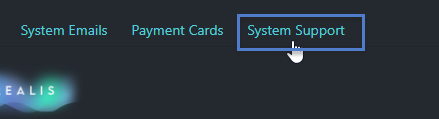
- Next, click on the System Support tab.
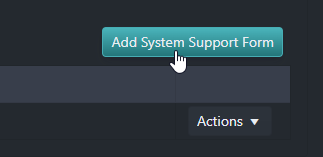
- Click the Add System Support Form button.
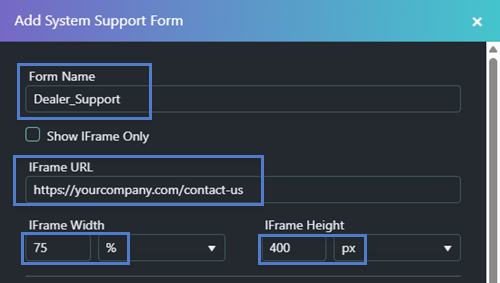
- Enter a name for the support form.
- Enter the URL of a contact page on your website, i.e., https://yourcompany.com/contact-us - this URL will be used to embed your own contact page into the support page.
- Specify an iFrame width and height to determine the size of your webpage on the support page.
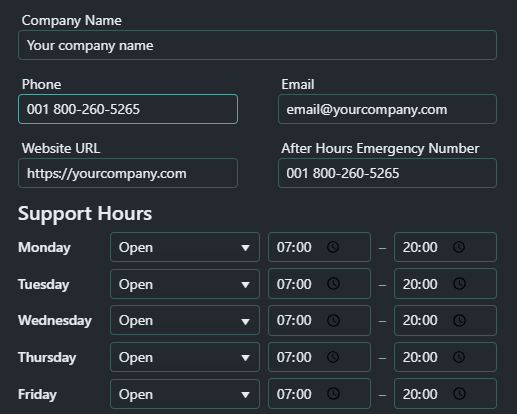
- Enter your company name.
- Enter your company's contact phone number.
- Enter a contact email address.
- Enter your website's main URL.
- Optionally, you can also enter an emergency contact phone number.
- Finally, specify the company hours and days of the week that the company can be contacted.
- Click the Save button.
- The new support form will be listed.
3.1 Assign to all Systems
- On the System Support page, locate the Actions menu on the right side of the screen.
- From the Actions menu, select Apply to All.
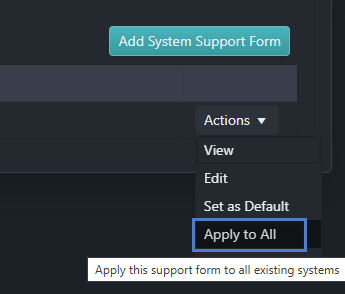
- The support form will now be applied to all Systems added to the Organization.
3.2 Assign to a Specific System
Alternatively, instead of assigning the support form to all Systems, you can assign it to a specific system.
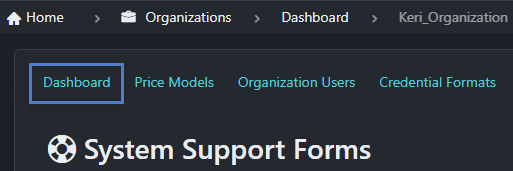
- Click on the Dashboard tab to once again display the Organization details.
- In the lower section of the page you will see the assigned Systems.
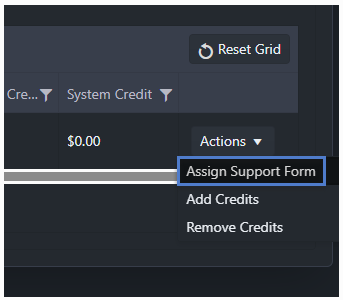
- Use the Actions menu on the right side of the screen and select Assign Support Form.
- Select your new form from the menu, then click the Assign button.
4.0 View the Dealer Support Page
- You will now see an additional item at the bottom of the main menu.
- Click the Dealer Support button and the support page will be displayed.