Register Your Account on Confluence
Register your partner account on the Confluence Web Portal and create your new site
Now that you have created an Allegion partner account you will need to register this account on Confluence. At this point you will also create your new site. These steps can be done via web browser on your PC or via a smart device.
2. Click REGISTER YOUR PARTNER ACCOUNT.
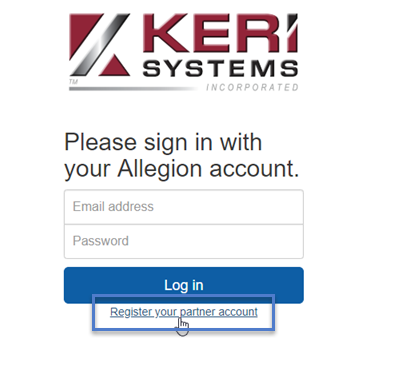
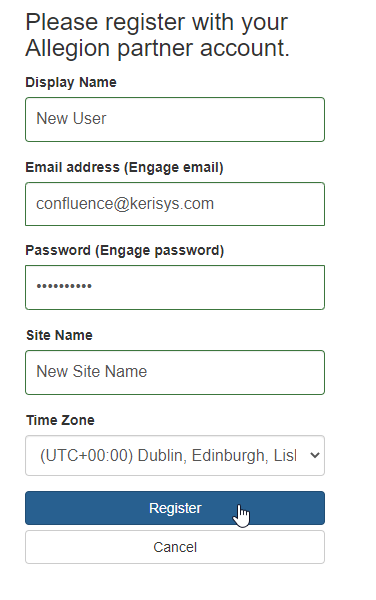
3. Enter your display name, your ENGAGE email address and the associated ENGAGE password.
4. Enter a name for your new Confluence site.
5. Select the world time zone to be used by the site.
6. Click REGISTER.
7. Log into the Confluence Web Portal with your user name and password.
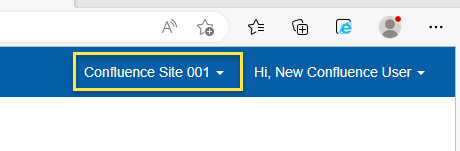
8. Your new site name should be visible in the upper-right corner.
Next step >> Check the Confluence license settings